In today’s digital age, a strong home network isn’t just a luxury; it’s a necessity. Whether streaming the latest binge-worthy series or video chatting with family, a reliable connection keeps everyone happy and connected. But let’s face it—setting up a home network can feel like trying to assemble IKEA furniture without the instructions. Confusing cables, cryptic settings, and mysterious error messages can turn anyone into a tech novice faster than you can say “Wi-Fi.”
Understanding Home Networking
Home networking provides a means for devices to communicate efficiently within a household. Establishing a reliable network involves various components, including routers, switches, and access points. Each element plays a vital role in creating a seamless online experience.
Routers connect different devices to the internet. They direct data traffic and manage connections for gadgets like computers, smartphones, and smart TVs. Selecting the right router can significantly impact the overall network performance.
Switches extend the network by connecting multiple wired devices. These devices allow for direct communication between devices, reducing network congestions associated with wireless connections. They enhance speed, especially in homes with several wired gadgets.
Access points expand Wi-Fi coverage. When positioned strategically, these devices eliminate dead zones and improve signal strength in larger areas. A well-placed access point can ensure stable connections for streaming, gaming, and remote work.
Choosing the appropriate bandwidth is crucial. High-definition streaming often requires at least 25 Mbps, while online gaming can demand upwards of 50 Mbps. Adjusting bandwidth allocation can help prioritize specific activities, ensuring smooth performance during peak usage times.
Network security must not be overlooked. Implementing strong passwords and enabling WPA3 encryption helps safeguard personal data. Regularly updating router firmware also provides protection against vulnerabilities.
Devices connected to the network should use IP addresses for efficient data transfer. Dynamic IP addresses automatically change over time, while static IPs remain constant, making them suitable for devices requiring consistent connectivity.
Regular maintenance of the home network enhances reliability. Resetting devices, checking connections, and monitoring network performance can resolve issues before they escalate. By understanding these components and practices, users can create a strong and efficient home network.
Types of Home Networks
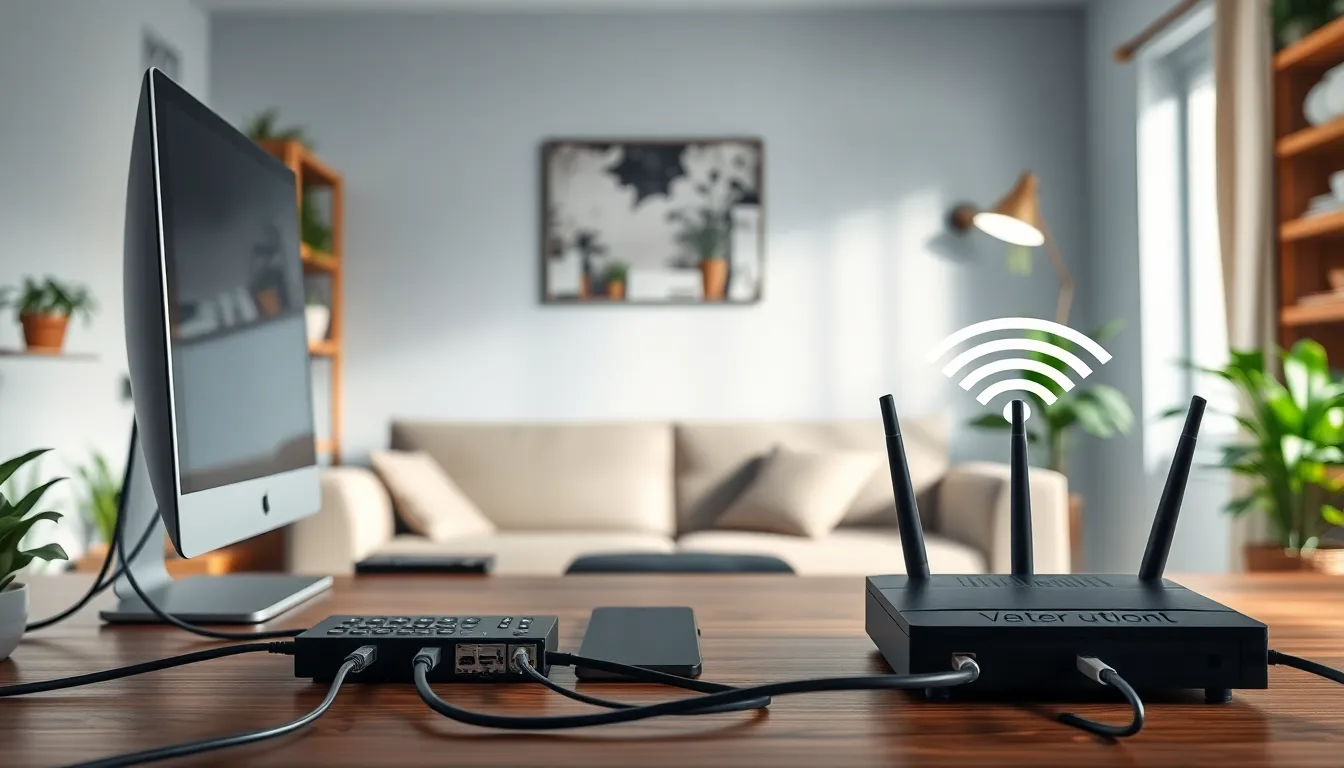
Home networks typically fall into two categories: wired networks and wireless networks, each offering distinct advantages for connectivity.
Wired Networks
Wired networks rely on physical connections using cables, typically Ethernet. Devices connect directly to a router or switch, ensuring stable and high-speed connections. They often deliver lower latency and increased security due to limited access points. Many gamers and content creators prefer wired setups for performance stability. Home users can set up a wired network by running cables throughout the house to reach each device. Installation simplicity and reliability make wired networks a solid choice for dedicated workstations.
Wireless Networks
Wireless networks operate using radio waves, allowing devices to connect without physical connections. Routers broadcast Wi-Fi signals, providing flexibility for device placement throughout the home. Many households benefit from this convenience, as multiple devices can connect simultaneously without wires cluttering the space. Users appreciate the freedom to move laptops and smartphones without disrupting connectivity. Wireless networks can experience interference and slower speeds due to obstacles, but modern technology, such as dual-band routers, helps mitigate these issues and optimize performance.
Essential Components of a Home Network
Building a strong home network consists of several essential components. Understanding each part aids in creating an efficient and reliable system.
Routers and Modems
Routers and modems serve critical functions in a home network. A modem connects directly to the internet service provider, translating signals for use by home devices. Routers distribute that internet connection to all devices, managing data traffic effectively. Many modern devices combine both a router and modem in one unit, simplifying setup. Users should choose a router based on the number of connected devices and the speed required for activities like streaming and gaming. This selection ensures optimal performance and prevents slowdowns during peak usage times.
Switches and Access Points
Switches and access points enhance network performance significantly. Switches connect multiple wired devices directly, improving speed and reducing latency for high-demand tasks. Access points extend Wi-Fi coverage, eliminating dead zones throughout the home. In large spaces, using multiple access points provides better connectivity. When selecting these components, prioritize those that support the latest Wi-Fi standards, facilitating greater bandwidth and a more stable connection. This approach creates a robust network capable of handling various online activities seamlessly.
Setting Up Your Home Network
Establishing an effective home network requires careful planning and configuration. Following specific steps ensures optimized performance across devices.
Planning Your Network Layout
Creating a network layout involves determining the best placement for routers and access points. Prioritize central locations to maximize Wi-Fi coverage. Identify areas within the home that require strong signals, such as living rooms and home offices. Consider the number of devices that will connect, as this influences component selection. Use a mix of wired and wireless connections for reliability. Installing Ethernet cables in high-demand areas can enhance stability and speed. Evaluate potential interference sources, including walls and electronic devices. Document the layout visually to streamline installation and troubleshooting.
Configuring Network Devices
Configuring network devices requires access to their administrative interfaces. Start by connecting the modem to the router, following manufacturer guidelines. Adjust the router settings to reflect security preferences, including WPA3 encryption for added protection. Update the firmware to the latest version, ensuring all enhancements and security patches are applied. Assign static IP addresses for critical devices, simplifying network management. Set up a unique SSID to identify the home network, while avoiding easily guessable names. Prioritize bandwidth allocation for devices used for streaming or gaming, ensuring smooth performance during peak times. Regularly review device settings to maintain optimal performance.
Enhancing Your Home Network
A strong home network requires attention to both security and performance. Implementing effective measures in these areas leads to an overall better experience.
Security Measures
Prioritize robust passwords to safeguard network access. Utilize WPA3 encryption for wireless networks, as it provides enhanced security features. Regularly update firmware on routers and devices to protect against vulnerabilities. Users should consider setting up a guest network for visitors, preventing access to sensitive devices. Enable firewalls to monitor and control incoming and outgoing traffic effectively. Additionally, utilizing Virtual Private Networks (VPNs) can provide an extra layer of security, particularly for remote access.
Performance Optimization
Establishing a quality network involves optimizing performance for all connected devices. Using dual-band routers allows users to take advantage of both 2.4 GHz and 5 GHz frequencies, reducing congestion. Take advantage of Quality of Service (QoS) settings to prioritize traffic for bandwidth-heavy activities, such as gaming or streaming. Regularly check for interference from nearby devices and relocate routers as necessary to improve connectivity. Limiting the number of connected devices during peak hours can also enhance performance. Moreover, placing access points strategically throughout the home boosts Wi-Fi coverage and minimizes dead zones.
Establishing a reliable home network is essential for navigating today’s digital landscape. By understanding the components and configurations needed, users can create an efficient system tailored to their specific needs.
Regular maintenance and security measures ensure that the network remains robust against potential threats while optimizing performance for various online activities.
With the right setup and ongoing adjustments, anyone can enjoy seamless connectivity, whether for work, gaming, or streaming. Investing time in building and maintaining a home network pays off, leading to a smoother and more enjoyable online experience.